TrueNAS SCALE Apps Storage and Permissions
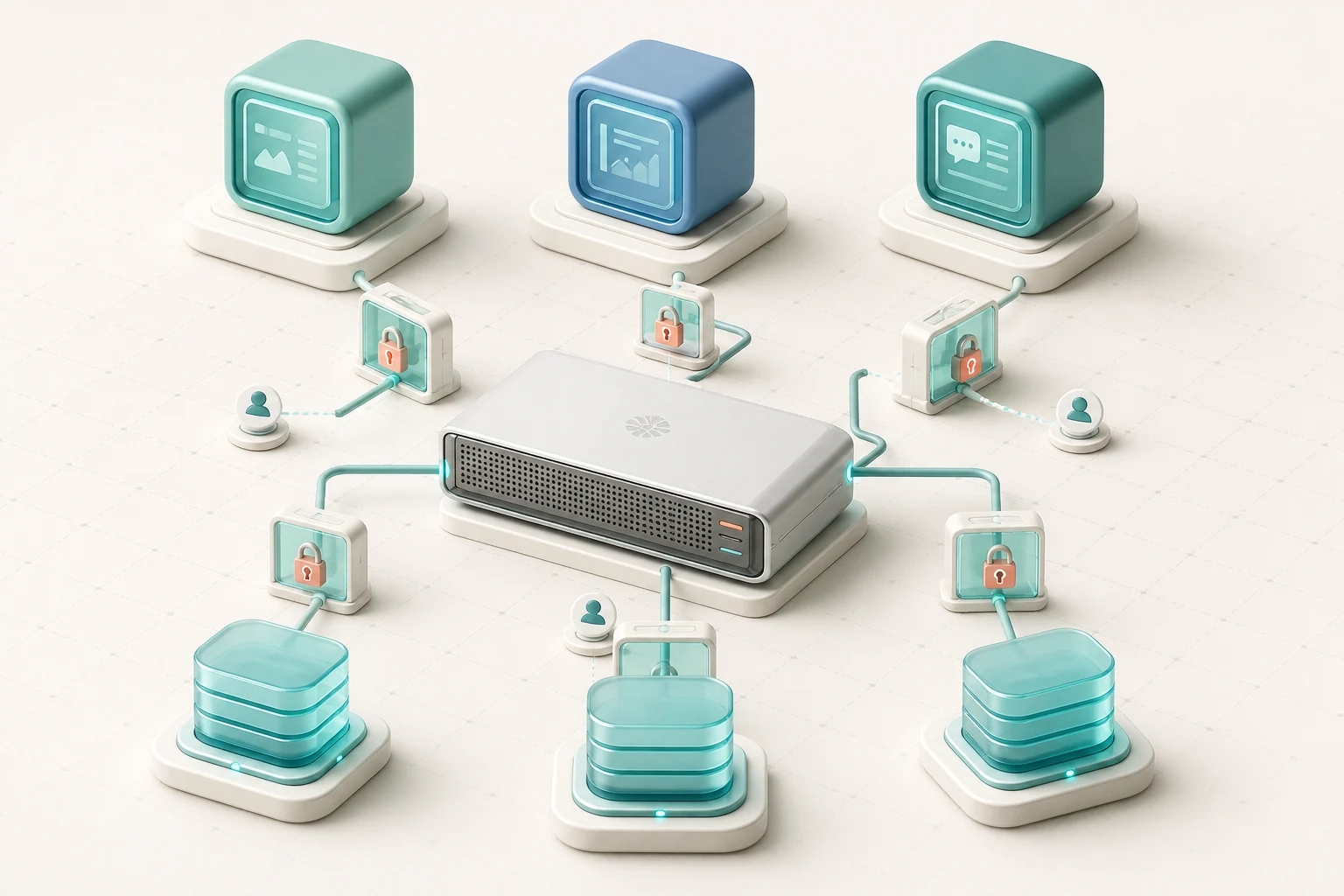
Applications can make a storage server more useful, but they also introduce identities, databases, configuration, network ports, updates, and resource competition. A reliable TrueNAS SCALE app design treats the application as a workload with a lifecycle. The important question is not only whether it starts today, but whether its data, permissions, and dependencies remain understandable during an upgrade or recovery.
Classify every piece of application data
Separate configuration, databases, generated cache, user content, logs, and temporary files conceptually before mapping storage. User-created media or documents usually need durable protection. A cache may be recreated. A database may require application-aware backup steps. Logs need enough retention for troubleshooting but can grow without bound if ignored.
Create purpose-specific datasets when data needs different quotas, snapshot schedules, ACLs, encryption, or replication. A single broad host path shared by many unrelated apps makes ownership difficult to audit and expands the effect of one compromised workload. Give dataset names a stable meaning that does not depend on a short-lived container identifier.
Understand managed and host-path storage
App systems may create internal storage automatically, while host-path mappings expose a selected TrueNAS dataset to a workload. Managed storage can simplify lifecycle operations, but administrators must still know how it is protected and restored. Host paths make persistent data visible and policy-aware, yet they require deliberate ownership and permissions.
Do not point an app at the root of a pool or at a large general-purpose share unless broad access is a documented requirement. Narrow mounts reduce accidental discovery and deletion. Record the dataset, the path seen inside the app, whether access is read-only or read-write, and the reason the app needs it.
Map service identities deliberately
An application process runs as a user and group, even when the interface hides some details. The numeric identity inside the workload must align with permissions on the mounted dataset. Granting access to everyone may make an error disappear, but it can expose data to other services and make later auditing nearly impossible.
Use the documented identity for the specific app and release. Give it only the required dataset rights. If an application reads a media library but writes only to its own configuration, mount the library read-only and give write access to the configuration dataset. Test after changing an image or app version because service identities and access needs can evolve.
Separate administrator, app, and human access
The people who maintain TrueNAS do not automatically need access to every application account, and app users do not need storage-administrator privileges. Keep the TrueNAS management identity, application administrative identity, database credentials, and ordinary user accounts distinct. Store secrets through supported mechanisms rather than embedding them in public notes or shared scripts.
If humans and an app both modify the same dataset, define the expected ownership and inheritance model. Test files created through the share and through the app. Without this check, one path may create objects the other cannot modify, leading to increasingly permissive workarounds.
Plan network exposure as a separate decision
A running app does not need to be reachable from every network. Identify the required clients, protocols, ports, DNS names, certificates, and reverse-proxy path. Keep internal dashboards and databases private. Exposing an app directly to the Internet adds patching, authentication, logging, and incident-response obligations that are larger than the storage configuration itself.
Do not assume that the TrueNAS firewall boundary or an app login alone provides complete protection. Use network segmentation, a maintained proxy or approved remote-access layer, unique credentials, and multi-factor authentication where the application supports it. Remove test port-forwarding rules after validation.
Budget resources for storage first
Apps consume CPU, memory, network bandwidth, and pool I/O. Memory used by workloads is not available for ZFS caching, and application scans or database maintenance can raise latency for file shares. Establish a baseline before adding a service, then observe changes during peak app activity, snapshots, scrubs, and replication.
Apply reasonable limits where supported and keep capacity headroom for storage operations. A small server running many attractive catalog entries can become harder to recover and maintain than several simpler systems. Consolidate when the operational benefit is clear, not because an app tile is easy to select.
Prepare updates as recoverable changes
Read release notes for TrueNAS, the app, and any database it uses. Know whether the change modifies stored formats or requires a migration. Capture appropriate snapshots or application backups, confirm independent copies, and record how to return to a supported state. A storage snapshot alone may not provide a safe downgrade after a database schema change.
The independent TrueNAS SCALE ISO overview explains the platform's major layers; always use official version-specific documentation for current app behavior and supported update procedures.
Back up what is required to rebuild the service
Protect persistent datasets, application exports, configuration values, secrets through an approved secure process, DNS and certificate requirements, and a record of the deployed version. A copy of user files without the database may be insufficient, while a database without uploaded content is equally incomplete.
Practice recovery into an isolated environment. Confirm that the app starts, authentication works, expected content appears, permissions remain limited, and background jobs resume safely. Record the elapsed time and missing dependencies. Recovery tests expose undocumented assumptions before an outage does.
Review the workload throughout its life
Track app health, logs, certificate expiry, image or package age, storage growth, snapshot results, and security notices. Remove abandoned apps and revoke their credentials. Archive or delete old datasets only after the owner confirms that retention and recovery obligations have been met.
TrueNAS SCALE can place services close to data, but proximity is not the same as simplicity. Clear dataset boundaries, least-privilege identities, controlled network exposure, resource monitoring, and rehearsed recovery turn a convenient application into a maintainable service.